


Web development is undergoing a significant transformation as intelligent tools reshape the modern development workflow. Advanced AI-powered coding assistants are revolutionizing how developers write, debug, maintain, and deploy web applications. Developers using AI coding assistants can now write code up to 2x faster, making these tools essential in modern software development. These intelligent systems can generate functional code, analyze existing codebases, detect potential bugs, and automate repetitive programming tasks with remarkable efficiency. By reducing the time spent on routine coding activities, AI tools enable developers to focus more on solving complex problems, designing scalable architectures, and delivering innovative digital solutions.
By 2026, AI-driven development tools have become a fundamental component of modern software engineering practices. From providing real-time code suggestions to enabling automated debugging, code analysis, and intelligent documentation generation, these technologies significantly enhance developer productivity while improving overall software quality and reliability.
In this blog, we explore some of the most powerful AI coding assistant tools that help developers accelerate development workflows, improve coding efficiency, and build scalable, high-performance applications faster than ever before.
What Are AI Coding Assistants?
AI coding assistants are smart software tools designed to support developers throughout the coding process. Powered by machine learning and large language models, they can understand the context of your code and provide helpful suggestions while you work. Instead of writing every line from scratch, developers can rely on these tools to generate code snippets, detect potential issues, and even automate repetitive tasks. This not only saves time but also allows developers to focus more on solving complex problems and building better applications.
Modern AI coding assistants can:
- Generate code snippets and functions
- Auto-complete complex code blocks
- Detect bugs and security vulnerabilities
- Suggest code optimizations and refactoring improvements
- Generate documentation and comments
- Provide real-time coding assistance within IDEs
AI-powered tools such as GitHub Copilot and Cursor IDE have made AI-assisted programming a standard part of modern web development environments.
Key Benefits of Using AI Coding Assistants
AI coding tools offer numerous advantages that significantly improve the software development process. By integrating intelligent automation and real-time assistance into development environments, these tools help developers work more efficiently and produce higher-quality code. Some of the key benefits include:
- Increased Developer Productivity: AI coding assistants automate repetitive tasks like boilerplate code and function completion, helping developers work faster and focus on complex problems.
- Faster Development Process: AI tools provide real-time suggestions and auto-complete code, reducing development time and speeding up the overall workflow.
- Improved Code Quality: AI assistants analyze code in real time and suggest improvements, helping developers write cleaner and more efficient code.
- Automated Bug Detection: AI coding tools detect bugs and security issues early, helping developers fix problems faster and reduce debugging time.
- Better Learning Support for Developers: AI assistants explain complex code, provide examples, and suggest alternatives, making them valuable learning tools for developers.
- Reduced Repetitive Work: AI coding assistants automate repetitive code, allowing developers to focus on architecture, problem-solving, and innovation.
- Seamless Integration with Development Tools: Most AI coding assistants integrate with popular IDEs, offering real-time support without disrupting workflow.
How AI Coding Assistants Work in Modern Software Development
AI coding assistants have become a fundamental component of modern software development, leveraging machine learning, large language models (LLMs), and real-time code analysis to enhance developer productivity. By functioning as intelligent collaborators, these tools analyze the coding context and provide context-aware suggestions that assist developers in writing, understanding, debugging, and optimizing code with greater efficiency and accuracy.
- Training on Large Code Datasets: AI coding assistants are trained on large collections of code, documentation, and open-source projects. This helps them understand programming patterns, syntax, and best practices across different languages.
- Context-Aware Code Suggestions: These tools analyze the surrounding code such as functions, variables, and libraries to provide accurate and relevant coding suggestions instead of simple autocomplete.
- Natural Language to Code: Developers can describe tasks in plain English, and the AI can generate the required code or functions, making it easier to turn ideas into working programs.
- Real-Time Coding Assistance: While developers write code, AI assistants provide instant suggestions, complete code snippets, and recommendations that speed up the development process.
- Debugging and Optimization: AI tools can detect errors, suggest fixes, and recommend improvements to make the code cleaner, faster, and easier to maintain.
To explore the broader impact of AI on the tech industry, read our article “Will AI Replace Designers & Developers?”
Our Top Picks for AI Coding Assistants in 2026
Best Overall : GitHub Copilot
Best for Advanced Developers & IDE replacement: Cursor AI
Best Free Tool: Windsurf (Codeium)
Best for AWS Developers: Amazon CodeWhisperer
Best for Enterprises: Tabnine
AI Coding Assistant Tools Comparison Table
| Tool | Best Use Case | IDE / Platform | Free / Pricing | Key Highlights |
|---|---|---|---|---|
| GitHub Copilot | Day-to-day coding, auto-completion, multi-file context | VS Code, JetBrains, Neovim, Visual Studio | Trial 60 days; Paid | AI pair programming Large context Multi-language Inline docs |
| Cursor | Multi-file editing, intelligent refactoring | Native editor + VS Code | Limited free; Paid plans | Context-aware edits Conversational AI Fast refactor |
| Amazon CodeWhisperer | Secure coding in AWS ecosystem | VS Code, JetBrains, AWS Cloud9 | Free tier | Security-focused AWS integration Compliance checks |
| Tabnine | Enterprise coding assistance | VS Code, IntelliJ, PyCharm, Sublime | Limited free; Paid | Private AI models Autocomplete Team style consistency |
| Windsurf | Free-friendly coding automation | VS Code, JetBrains, Neovim | Generous free tier | Project-wide AI assistance Multi-file generation Fast startup |
| Replit Ghostwriter | Browser-based real-time assistance | Replit web IDE | Free & Paid tiers | Real-time suggestions Multi-language support |
| Cody (Sourcegraph) | Large-scale code search and fixing | VS Code, JetBrains | Paid | AI repo search Cross-file fixes Workflow integration |
| AskCodi | Quick snippet & documentation generation | Web & IDE | Limited free | Quick code snippets Documentation generation |
| Bolt.new | Full-stack app scaffolding | Web | Free tier 1M monthly tokens | High-level instructions → App scaffolds Front-end & back-end |
| CodeGeeX | Multilingual open-source code generation | VS Code, JetBrains | Free | Supports multiple languages Offline use Open-source |
| Codiga | Automated code reviews & quality checks | GitHub, GitLab, CI/CD | Free tier available | Static analysis PR review Coding standards |
| Blackbox AI | Rapid code snippet generation | Browser, VS Code | Free | Snippet search Contextual completion Multi-language |
| Pieces for Developers | Snippet management & reuse | VS Code, JetBrains | Free | Organize & recall snippets Multi-language support |
| JetBrains AI Assistant | JetBrains IDE users | IntelliJ, PyCharm, WebStorm | 7-day free trial | Code completion Refactoring IDE integration |
| Phind | Technical search & AI explanations | Web & IDE | Free & Paid tiers | Code search Context explanations Multi-language queries |
| Continue.dev | Open-source AI coding assistant | IDE integrations | Free | Customizable Multi-language Community-driven |
| Sweep AI | Bug fixing & PR automation | GitHub | Paid / Free Trial available | Auto bug fixes PR suggestions Workflow integration |
| CodeRabbit | Pull request and code review assistant | GitHub | Paid / 14-day free trial | AI-driven reviews Refactoring suggestions |
| Snyk Code | Security & vulnerability scanning | IDE & CI/CD | Paid / Limited Free tier | Vulnerability detection Risk prioritization |
| AI2SQL | Natural language to SQL queries | Web | Paid / 7 day free trial | English → SQL Multi-database support |
Top AI Coding Assistant Tools for Developers
1. GitHub Copilot
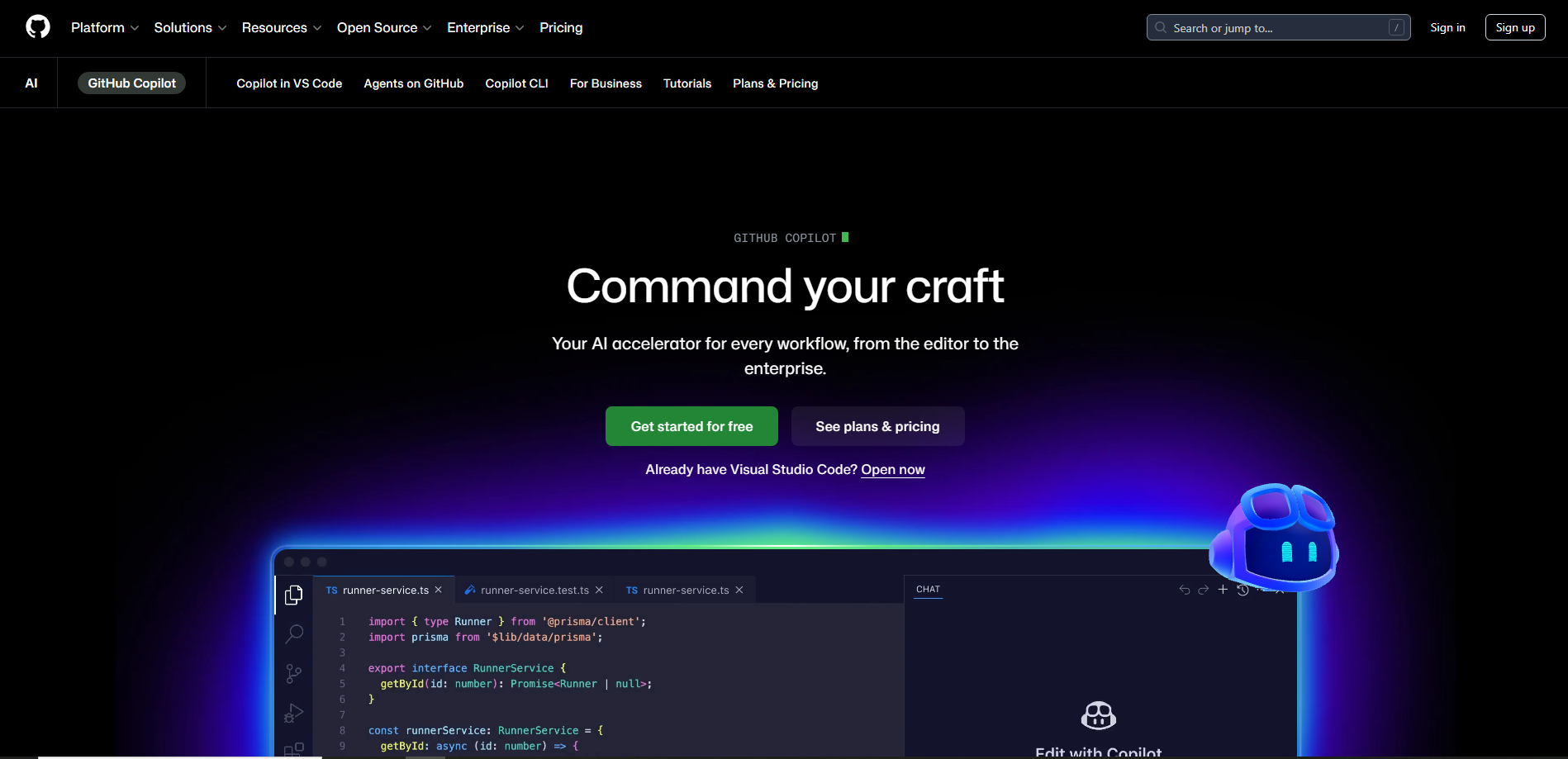
GitHub Copilot remains one of the most widely used AI coding assistants. Powered by advanced language models, it helps developers write code faster by suggesting entire functions and code blocks.
Key Features:
- AI-powered autocomplete for everyday coding
- Context-aware code suggestions
- Supports dozens of programming languages
- Seamless integration with VS Code, JetBrains, and Neovim
Pricing:
- Free tier 60 days: Limited usage (students/open-source)
- Paid: $10/month (Individual), $19/user/month (Business)
Best For
Developers who want a real-time AI pair programmer.
2. Cursor AI
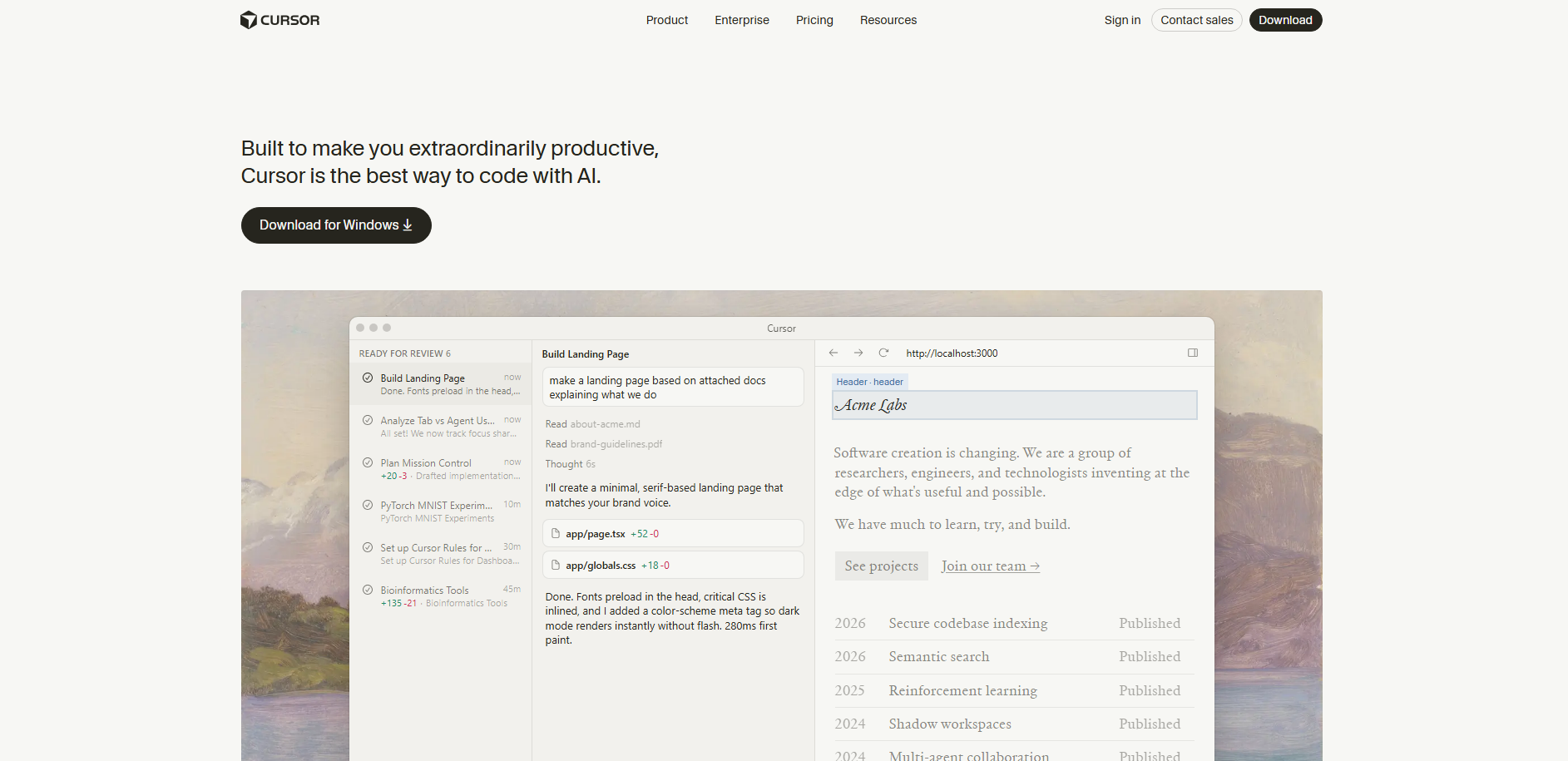
Cursor AI is gaining massive popularity among modern developers. This AI-first code editor allows developers to write, edit, and understand code using powerful AI chat and codebase-aware assistance. It transforms your code editor into a fully AI-powered development environment.
Key Features:
- AI chat built directly into the editor
- Use for large-scale refactoring and multi-file edits
- Codebase-aware suggestions
- Automatic refactoring
- AI-driven debugging
Pricing:
- Free tier: Limited usage
- Paid: From $20/month (Pro), higher tiers available
Best For
Developers working on large codebases and complex projects.
3. Amazon CodeWhisperer
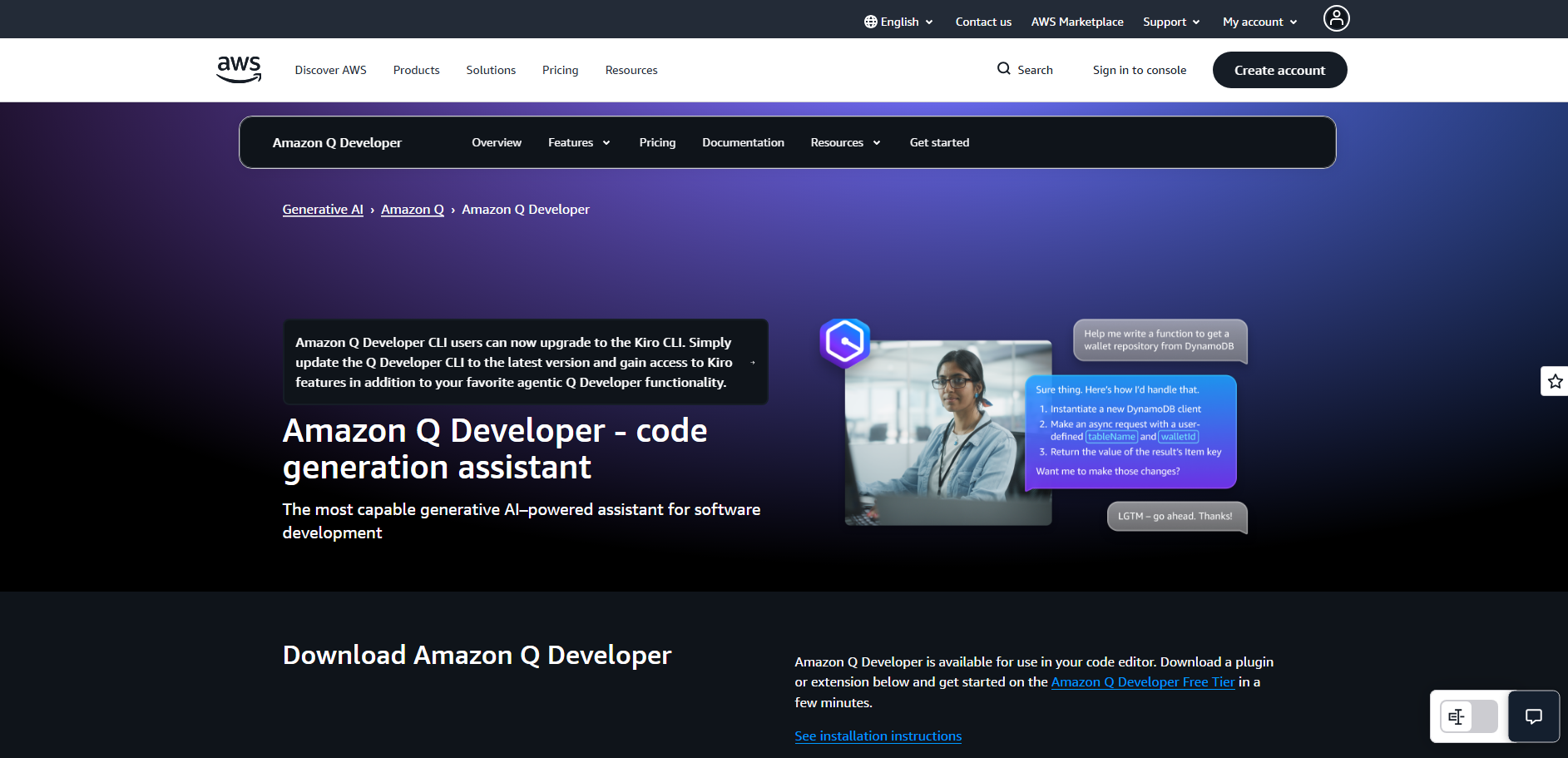
Amazon CodeWhisperer is designed for developers building cloud applications, particularly those working within the AWS ecosystem.
Key Features:
- Secure AI-generated code
- AWS service integration
- Built-in security scanning
- Real-time code recommendations
Pricing:
- Free tier: Individual plan (basic features)
- Paid: $19/month (Professional)
Best For
Developers building cloud-native applications on AWS.
4. Tabnine
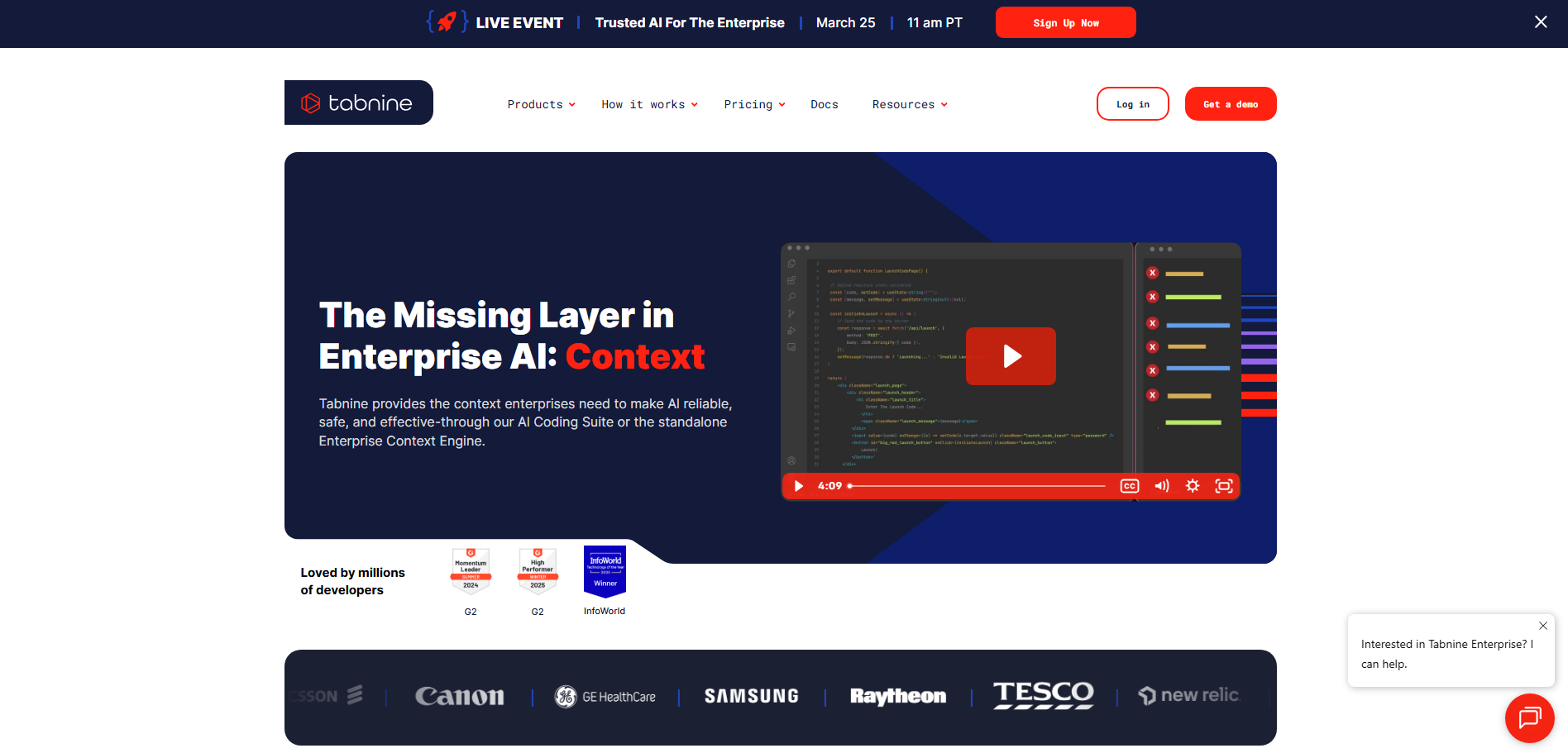
Tabnine is an AI coding assistant focused heavily on privacy and enterprise development environments.
Key Features:
- Private AI models for teams
- Context-aware code completion
- On-premise deployment options
- Supports multiple IDEs
Pricing:
- Free tier: Basic autocomplete
- Paid: From $12/month (Pro), Enterprise $39+/month
Best For
Enterprise teams concerned with data privacy and security.
5. Windsurf
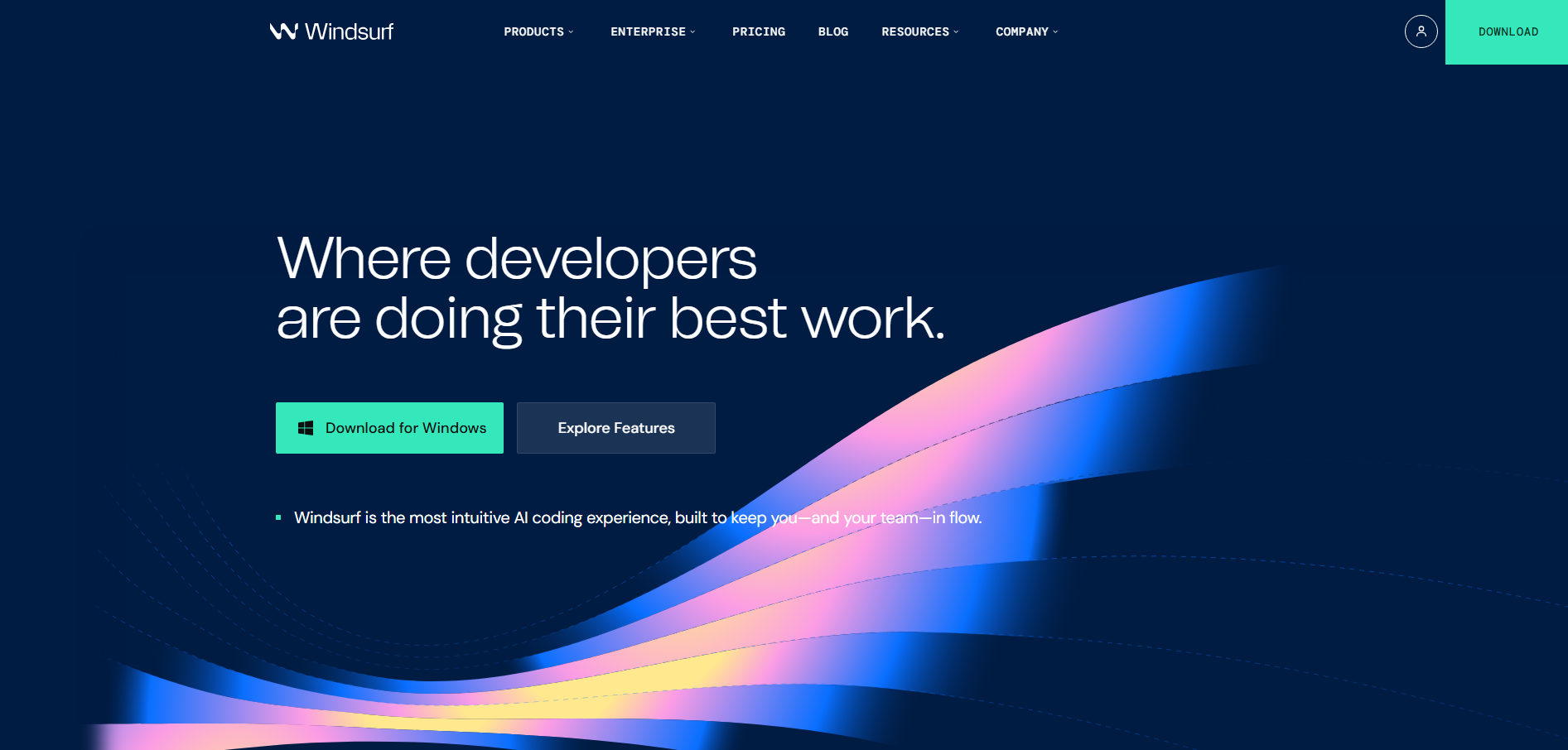
Windsurf is an AI-powered development environment that helps developers write, edit, and manage code faster using intelligent AI assistance and real-time code generation.
Key Features:
- Use if you need a free AI assistant
- Supports 70+ programming languages
- Intelligent autocomplete
- AI chat for code explanations
- Fast response times
Pricing:
- Free tier: Unlimited basic usage
- Paid: $15/month (Pro features & faster responses)
Best For
Developers looking for a powerful free AI coding tool.
6. Replit Ghostwriter
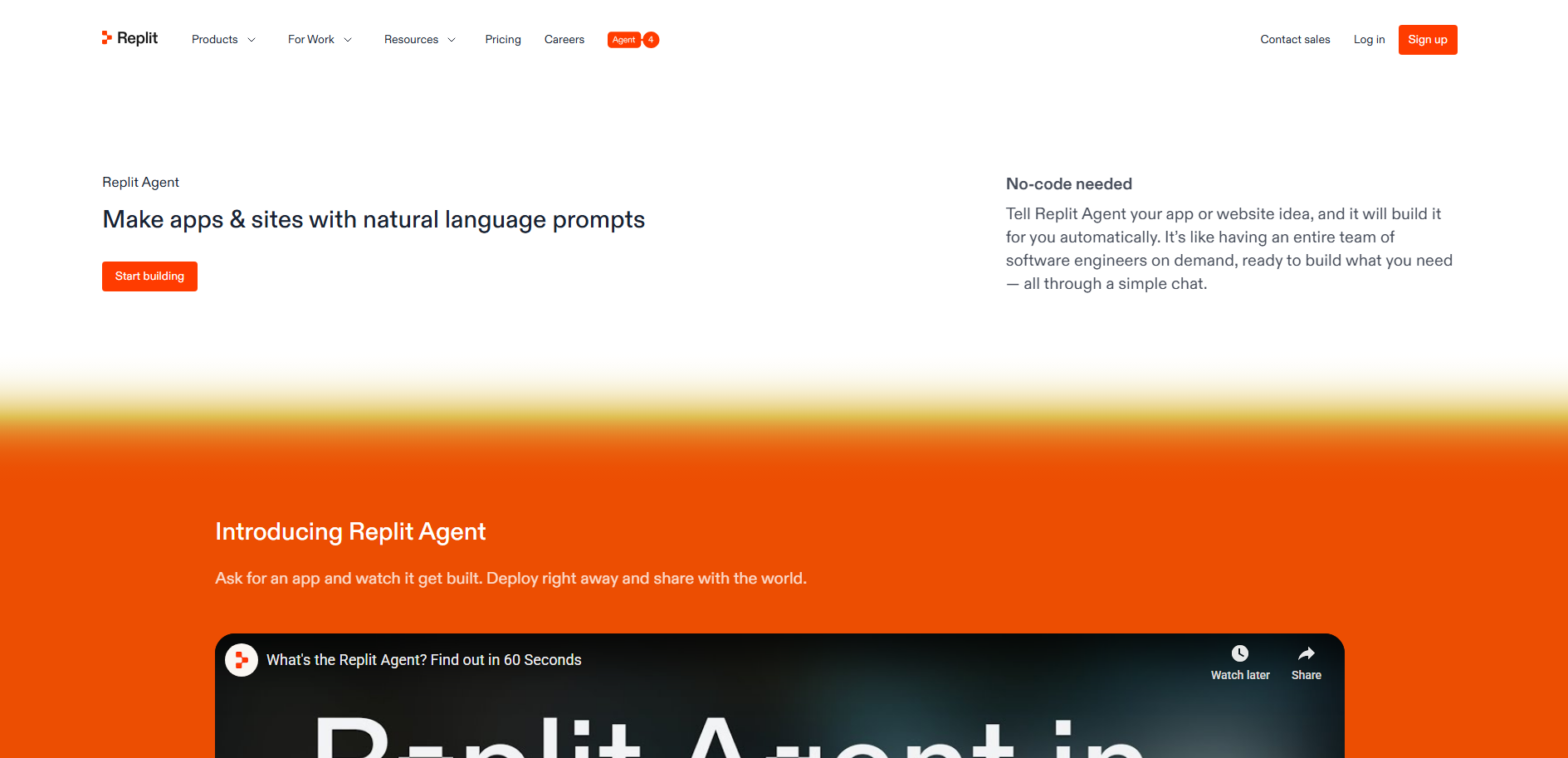
Replit Ghostwriter is an AI-powered coding companion built into Replit that helps developers write, debug, and explain code directly in the browser.
Key Features:
- AI-powered coding assistance
- Automatic code generation
- Debugging help
- Cloud-based development environment
Pricing:
- Free tier: Limited usage
- Paid: From $7/month (Starter), $20/month (Advanced)
Best For
Developers who prefer browser-based coding environments.
7. Cody by Sourcegraph
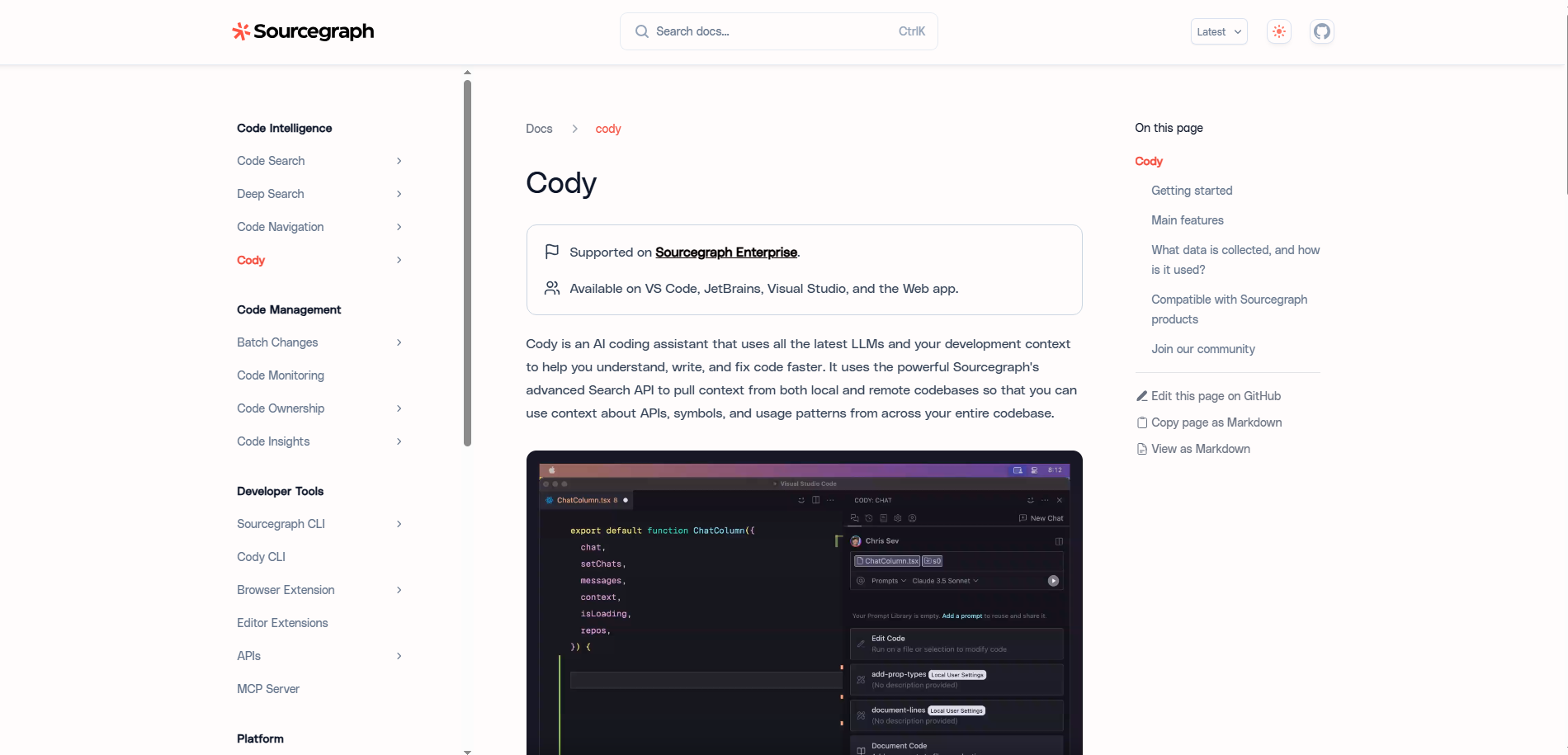
Cody (Sourcegraph) is designed specifically for large repositories and enterprise development teams. This AI coding assistant by Sourcegraph understands large codebases and helps developers search, write, and fix code efficiently.
Key Features:
- Deep codebase understanding
- AI-powered code search
- Intelligent debugging
- Large-scale repository support
Pricing:
- Free tier: No
- Paid: $49/user/month (Team/Enterprise)
Best For
Teams working with large and complex codebases.
8. AskCodi
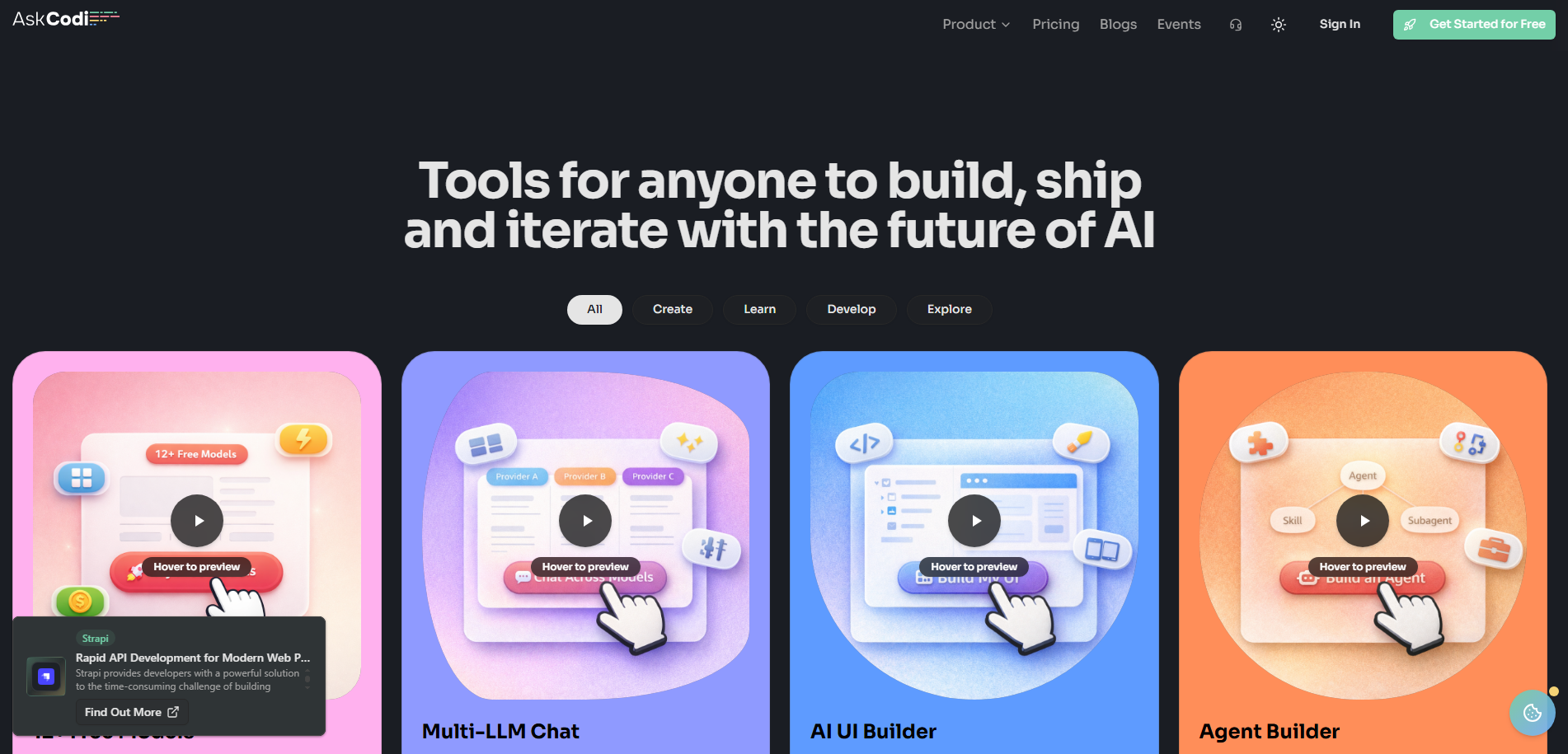
AskCodi is an AI developer tool that helps generate code snippets, SQL queries, and documentation to speed up development workflows.
Key Features:
- Code generation tools
- SQL query generator
- Test case generation
- Documentation automation
Pricing:
- Free tier: Limited credits
- Paid: $25/month, for Enterprise: Custom Pricing
Best For
Developers who need fast code generation and documentation support.
9. Bolt.new
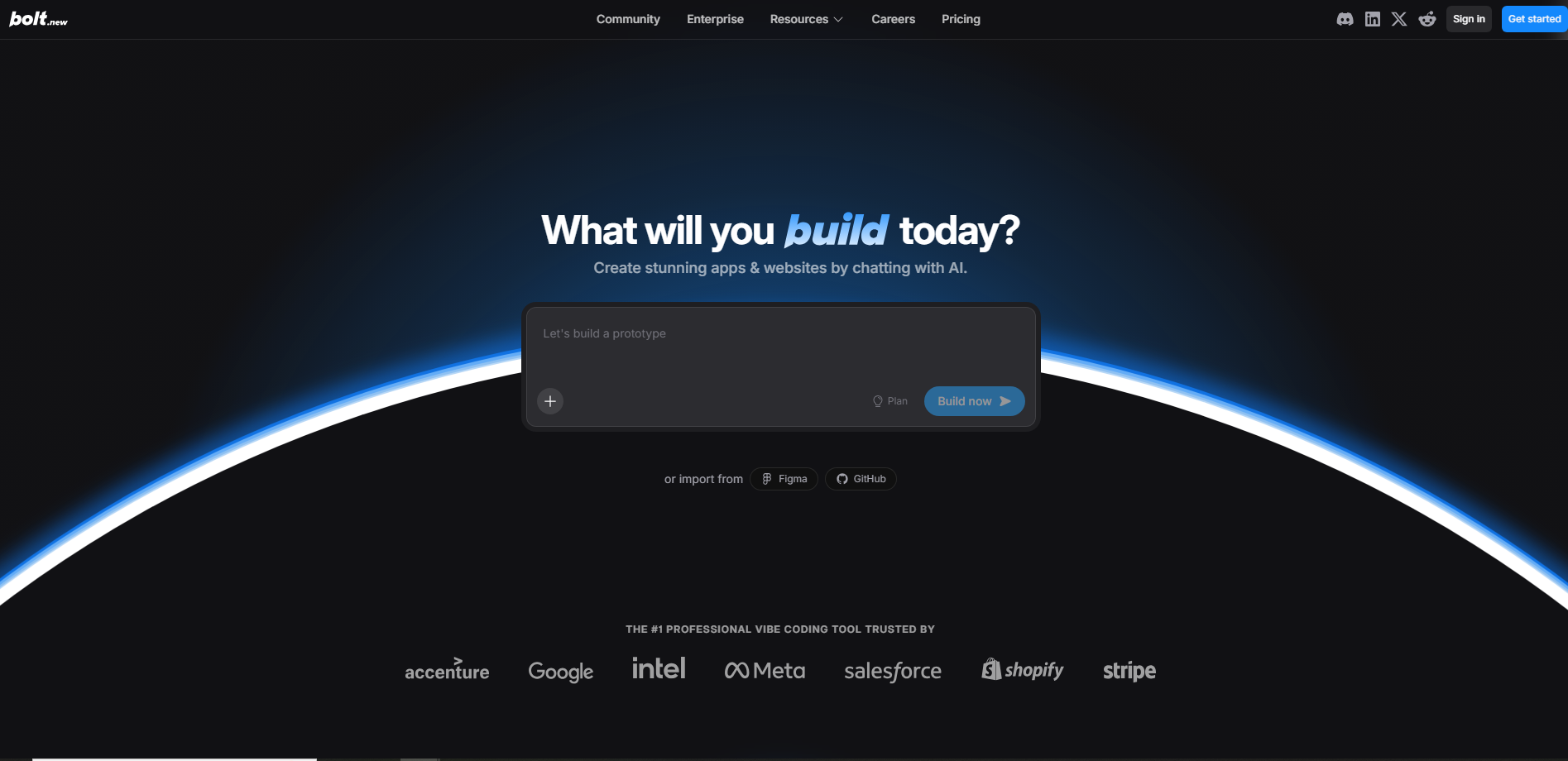
Bolt.new is an AI-powered platform that lets developers build full-stack applications by describing ideas in natural language, automatically generating the frontend, backend, and database structure.
Key Features:
- AI-powered refactoring
- Automated documentation
- Code explanation tools
- Bug detection
Pricing:
- Free tier: 1 million tokens per month with daily limits
- Paid: Usage-based- $25/month with 10M tokens, Teams plan at $30/member/month
Best For
Maintaining and improving legacy codebases.
10. CodeGeeX
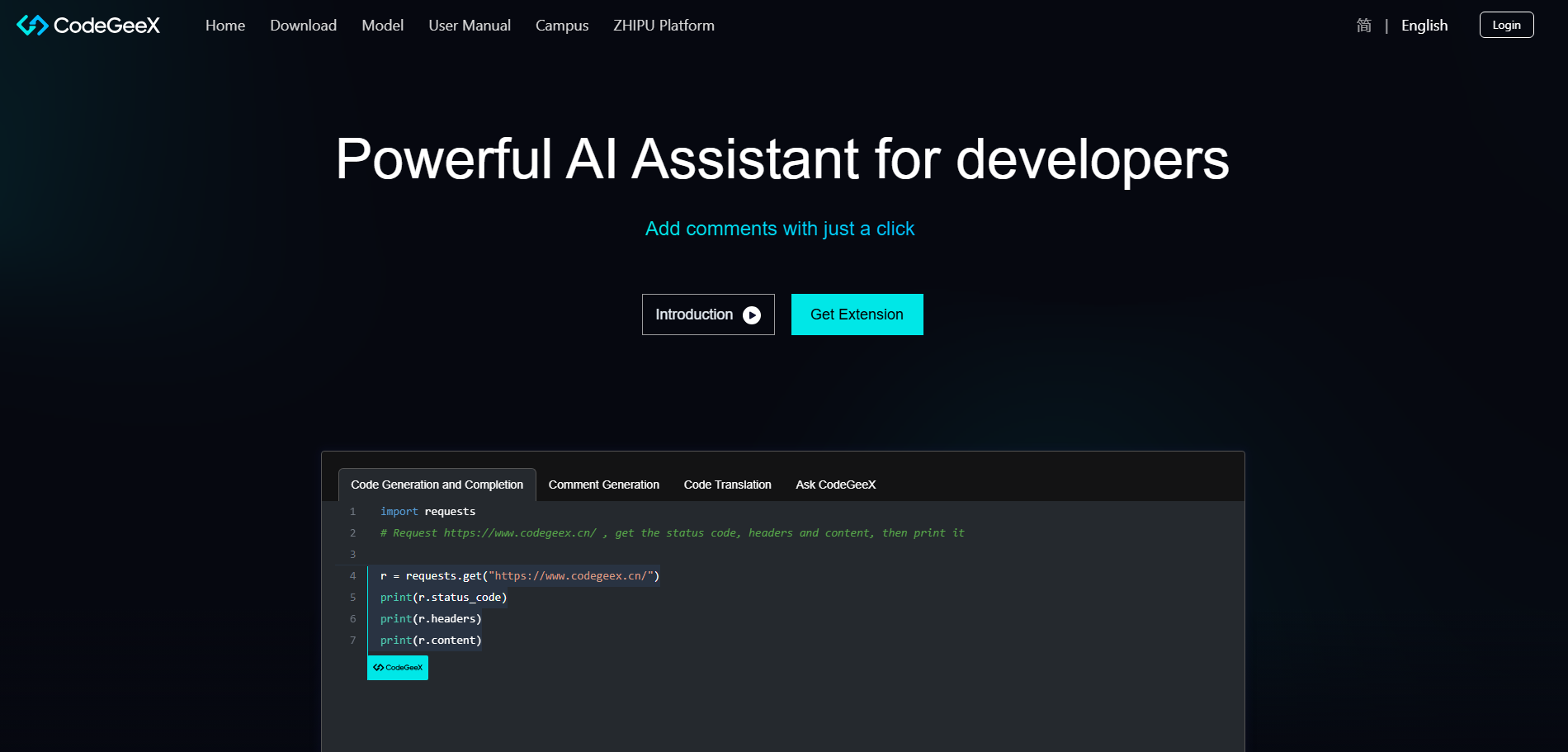
CodeGeeX is an open-source AI coding assistant designed to support multiple languages and frameworks.
Key Features:
- Multilingual code generation
- Open-source development
- Cross-platform compatibility
- IDE integration
Pricing:
- Free tier: Fully free
- Paid: Paid plans start from $9/month
Best For
Developers who prefer open-source AI tools.
11. Codiga
Codiga is an AI-powered code analysis tool that helps developers maintain code quality by detecting issues and suggesting improvements.
Key Features:
- Static code analysis
- Automated code reviews
- Security scanning
- Coding standards enforcement
Pricing:
- Free tier: Available
- Paid: $12–$14 per user/month
Best For
Teams focused on maintaining high-quality code standards.
12. Blackbox AI
Blackbox AI specializes in generating code snippets from simple natural language prompts, helps search for solutions, and speeds up development with intelligent suggestions.
Key Features:
- Code generation from prompts
- Code search across repositories
- Browser extensions
- Multiple language support
Pricing:
- Free tier: Available
- Paid: from $10-$40/month(Pro features)
Best For
Developers looking for quick code snippets and automation.
13. Pieces for Developers
Pieces acts as an AI-powered tool that helps developers capture, organize, and reuse code snippets and development resources more efficiently.
Key Features:
- Code snippet organization
- AI-powered code recall
- Offline AI capabilities
- Team collaboration
Pricing:
- Free tier: Fully free
- Paid: Pro plan at $18.99/month
Best For
Developers managing large libraries of reusable code snippets.
14. JetBrains AI Assistant
JetBrains AI Assistant is integrated directly into JetBrains IDEs to provide intelligent coding support, explanations, refactoring, documentation and automation.
Key Features:
- Code generation
- Code explanation
- Documentation creation
- Refactoring assistance
Pricing:
- Free tier: Yes, 3 AI Credits per 30 days
- Paid: $10–$30/month (with JetBrains IDE)
Best For
Developers using JetBrains IDEs like IntelliJ and PyCharm.
15. Phind
Phind is an AI-powered search engine designed specifically for developers to quickly find coding solutions and technical explanations.
Key Features:
- Developer-focused AI search
- Code explanation tools
- Technical documentation summaries
- Fast query results
Pricing:
- Free tier: Available
- Paid: $15–$30/month (Pro)
Best For
Developers searching for quick technical solutions.
16. Continue.dev
Continue is an open-source AI coding assistant that integrates with modern IDEs to provide real-time coding support.
Key Features:
- Chat with your codebase
- AI-powered debugging
- Open-source flexibility
- Custom model support
Pricing:
- Free tier: Fully free (open-source)
- Paid: Starter $3/million tokens, team: $20/seat/month, & Custom pricing
Best For
Developers who prefer customizable AI tools.
17. Sweep AI
Sweep AI helps developers automate bug fixing and routine maintenance tasks within software projects.
Key Features:
- Automatic bug fixes
- Pull request generation
- GitHub integration
- Continuous code improvements
Pricing:
- Free tier: yes (1,000 Autocompletes)
- Paid: Basic $10/month to $60/month (pro)
Best For
Automating routine development tasks.
18. CodeRabbit
CodeRabbit focuses on automated code reviews using AI to improve code quality and security.
Key Features:
- AI-powered pull request reviews
- Code quality improvements
- Bug detection
- Security analysis
Pricing:
- Free tier: 14-day free trial
- Paid: $24/month, Custom pricing for large enterprises
Best For
Development teams focused on code review automation.
19. Snyk Code
Snyk Code is an AI-powered code security tool that analyzes source code in real time to detect vulnerabilities, bugs, and security risks, helping developers write safer and more secure applications.
Key Features:
- Security-focused development
- Static analysis
- Security vulnerability detection
- AI-powered recommendations
- CI/CD integration
Pricing:
- Free tier: Limited
- Paid: From $25+/month (security plans), Enterprise Plan (Custom)
Best For
Improving application security and reliability.
20. AI2SQL
AI2SQL converts natural language instructions into SQL queries, helping developers and analysts work more efficiently with databases.
Key Features:
- Natural language to SQL conversion
- Working heavily with databases
- Query optimization
- Database integration
- Analytics support
Pricing:
- Free tier: 7 day free trial
- Paid: $9–$25/month (based on usage)
Best For
Developers working with databases and data analytics.
How to Choose the Right AI Coding Assistant
Selecting the most suitable AI coding assistant depends on several technical and organizational factors. Since different tools offer varying capabilities, developers and teams should carefully evaluate their development requirements, workflow preferences, and project complexity before choosing a solution.
Consider the following key criteria when selecting an AI coding assistant Tools:
- Programming Language Support: Ensure the tool supports the programming languages and frameworks used in your development stack.
- IDE Compatibility: Verify that the AI assistant integrates seamlessly with your preferred development environments such as VS Code, JetBrains IDEs, or other code editors.
- Security and Privacy Requirements: Organizations working with sensitive codebases should evaluate whether the tool provides strong data privacy controls, private models, or on-premise deployment options.
- Codebase Size and Complexity: Some AI assistants are optimized for large repositories and enterprise-scale projects, while others are better suited for smaller development workflows.
- Pricing and Licensing: Consider subscription plans, pricing models, and licensing terms to ensure the tool aligns with your budget and team requirements.
For example, startups and individual developers may prefer lightweight or free solutions such as Windsurf or Tabnine, while enterprise development teams often choose platforms like GitHub Copilot or Amazon CodeWhisperer because of their advanced features, security capabilities, and enterprise integrations.
If you're building AI-powered products, explore our blog 10 Most Profitable Digital Goods for Developers
Limitations and Drawbacks of AI Coding Assistants
While AI coding assistants enhance development speed and efficiency, understanding their limitations is essential for making informed and reliable coding decisions.
- Inaccurate Code Suggestions: AI may generate incorrect or suboptimal code that requires review.
- Security Concerns: Cloud-based tools can pose risks when handling sensitive data.
- Limited Context Understanding: AI may struggle with complex architectures and large codebases.
- Over-Reliance: Excessive use can impact problem-solving and learning skills.
- Licensing Issues: Generated code may raise intellectual property concerns.
- Performance Gaps: AI-generated code may need optimization for efficiency.
Future of AI Coding Assistants
The evolution of AI coding assistants is expected to accelerate significantly over the coming years, reshaping how software is designed, developed, and maintained. As advancements in artificial intelligence and large language models continue, these tools are likely to transition from simple coding assistants into comprehensive development partners capable of supporting the entire software development lifecycle.
By 2030, AI-driven development platforms may be capable of performing far more sophisticated tasks, including:
- Generating complete applications from natural language prompts
- Automatically identifying and resolving production-level bugs
- Designing system architectures and recommending scalable infrastructure solutions
- Automating DevOps workflows and deployment pipelines
As these technologies mature, the role of developers will increasingly shift toward architectural thinking, creative problem-solving, and strategic decision-making. Rather than replacing developers, AI will function as a powerful collaborative partner that handles repetitive coding tasks while enabling engineers to focus on innovation and system design.
Conclusion
AI coding assistants have rapidly evolved into essential components of modern software development workflows. By combining advanced machine learning techniques with large language models, these tools enable developers to write, analyze, and optimize code with greater speed and accuracy. From generating code snippets and detecting bugs to providing intelligent suggestions and documentation support, AI-powered assistants are transforming how software is built.
Whether you are a beginner learning the fundamentals of programming or an experienced engineer managing complex systems, AI coding assistants can significantly enhance productivity, streamline development processes, and improve overall code quality.
The 20 AI coding assistants highlighted in this article represent some of the most powerful and widely adopted tools shaping the development landscape in 2026. For most developers, GitHub Copilot remains the best overall choice due to its reliability and ecosystem support. By integrating the right AI-powered tools into your development workflow, you can accelerate project delivery, minimize errors, and focus more on building innovative and scalable software solutions.
